
Note: If you cannot see information for a specific project, you may not have permission to access it. Contact your company administrator if required.
Available Registers
Attendance - Live view of who is currently on site (select the 'on site' filter), plus full attendance history
Cards - Submitted worker cards and expiry status
Inductions/Orientations - Submitted inductions/orientations and their status
Form Submissions - Submitted forms and their status
Permits - All permits and their status
Company Docs- All Subcontractor Documents and their status
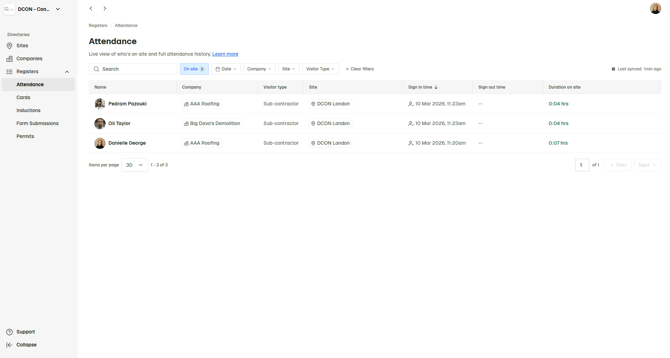
Filtering & Status Indicators
Within each register, you can:
- Use filters to quickly find specific records
- Use colour coding to identify incomplete actions and expired documentation
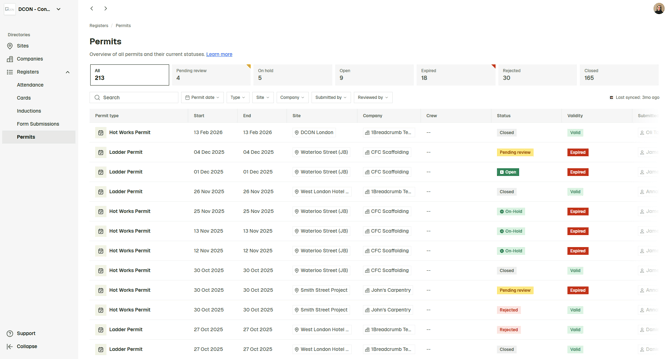
If using Breadcrumb with Procore, you can see when the most recent data sync occurred on the right hand side of any register.
To download a PDF of any submitted record, click the three dots (⋯) next to the relevant entry on the far right of the page.